Do You Really Need a Third-Party Antivirus
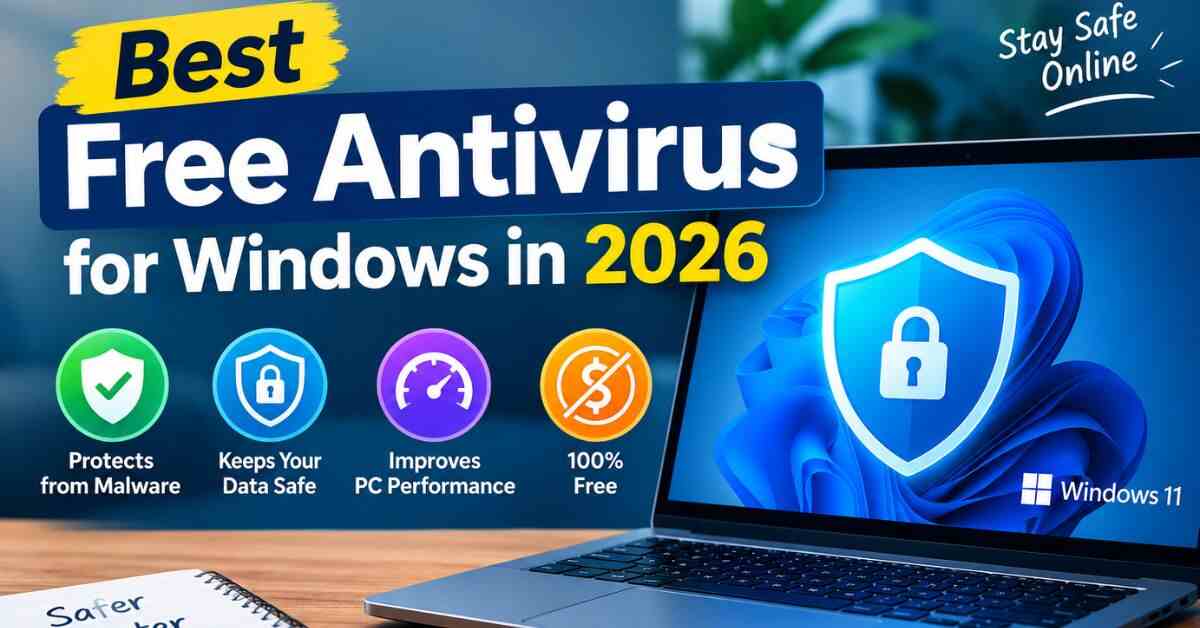
Windows comes with a built-in security tool that offers a reasonable baseline of protection against common threats. For many everyday users who browse carefully and avoid downloading files from untrusted sources, this built-in protection combined with safe habits may be enough. However, third-party free antivirus for windows programs often add extra layers such as better phishing protection, ransomware monitoring, and safer browsing tools that can catch things the built-in option might miss.
Read More: https://topwishesworld.com/how-to-speed-up-an-old-laptop/
What to Look For in a Free Antivirus for windows
Not all free antivirus software is created equal, and some free versions push aggressive upsells or bundle unwanted extra software during installation. When evaluating an option, look for a program with strong independent lab test scores, minimal impact on system performance, clear privacy practices around what data is collected, and an installer that doesn’t try to sneak in browser toolbars or unrelated apps.
Key Features That Matter Most
Real-time protection that scans files as they’re opened or downloaded is essential, rather than relying only on scheduled scans. Phishing and malicious website protection is equally important, since many infections today come from tricking users into visiting fake sites rather than traditional viruses. A lightweight design that doesn’t noticeably slow down your computer is also important, especially on older machines.
How to Avoid Fake or Risky ‘Free’ Antivirus Tools
Unfortunately, the antivirus for windows space attracts scam software that pretends to protect your computer while actually installing malware or generating fake threat alerts to scare users into paying. Always download antivirus software directly from the official developer’s website or a well-known app store rather than clicking links in pop-up ads or emails claiming your computer is infected.
Free vs Paid Antivirus: What’s the Real Difference?
Free antivirus tiers typically cover the essentials: malware detection, real-time scanning, and basic web protection. Paid versions usually add extras like a VPN, dedicated ransomware rollback, identity theft monitoring, and priority customer support. For a single personal laptop used for browsing, email, and streaming, a reputable free option is often genuinely sufficient.
Good Habits Matter More Than Software Alone
No antivirus, free or paid, is a substitute for careful habits. Keeping your operating system and apps updated, avoiding pirated software downloads, being cautious with email attachments, and using unique passwords all reduce your risk far more than any single security tool. Antivirus software should be viewed as one layer of protection, not the only one.
Frequently Asked Questions
Is Windows’ built-in security enough on its own?
For cautious users with good browsing habits, it provides a solid baseline. Adding a reputable third-party free option can offer extra layers like improved phishing protection, but it isn’t mandatory for everyone.
Do free antivirus programs slow down a computer?
Well-designed ones have a minimal impact, but poorly optimized or bloated software can noticeably slow older machines. Checking independent performance test results before installing is a good way to avoid this.
Can I use two antivirus programs at once for extra protection?
This is generally not recommended, since running two real-time antivirus engines simultaneously can cause conflicts, false alarms, and system slowdowns rather than added protection.
How do I know if a free antivirus for windows download is a scam?
Only download security software directly from the official company website or a trusted app store. Be suspicious of pop-ups claiming your device is already infected and urging an immediate download.
Final Thoughts
Choosing a free antivirus for Windows in 2026 doesn’t have to be complicated. Focus on well-established, independently tested software, download it only from official sources, and pair it with sensible browsing habits. For most home users, this combination provides solid, reliable protection without spending a dime.